Why Site Speed Drives Local Leads (And How to Fix a Slow Website)
A slow website costs Warsaw-area service businesses local rankings and phone calls. Here's why page speed drives leads — and how to fix a site that loads too slowly.
A homeowner in Warsaw searches "emergency plumber near me" on a phone sitting on cellular data. They tap the first result that looks legit. If your site takes four seconds to show a phone number, they are already back on Google tapping the next listing.
Site speed is not a minor technical detail. For local service businesses, it is a growth lever: it affects whether Google shows you, whether a prospect stays long enough to call, and whether your site stays online and secure while you are out on jobs.
Why Speed Matters for Local SEO & Conversions
Google indexes the web with a mobile-first lens. Most "near me" searches happen on phones, often on mid-range devices and real-world cell networks — not the office Wi-Fi your designer used to preview the site. A heavy page that "looks fine" on a desktop can still fail the moment that matters.
Three outcomes move when load time drops.
Higher local search rankings
Page experience and mobile usability are ranking inputs, not nice-to-haves. Google's Core Web Vitals — how fast the main content appears, how quickly the page responds to taps, and whether the layout jumps around — are confirmed ranking signals for organic search.
Fast, lightweight sites have an easier time:
- Passing Core Web Vitals instead of fighting them
- Keeping mobile visitors on the page (engagement that supports rankings over time)
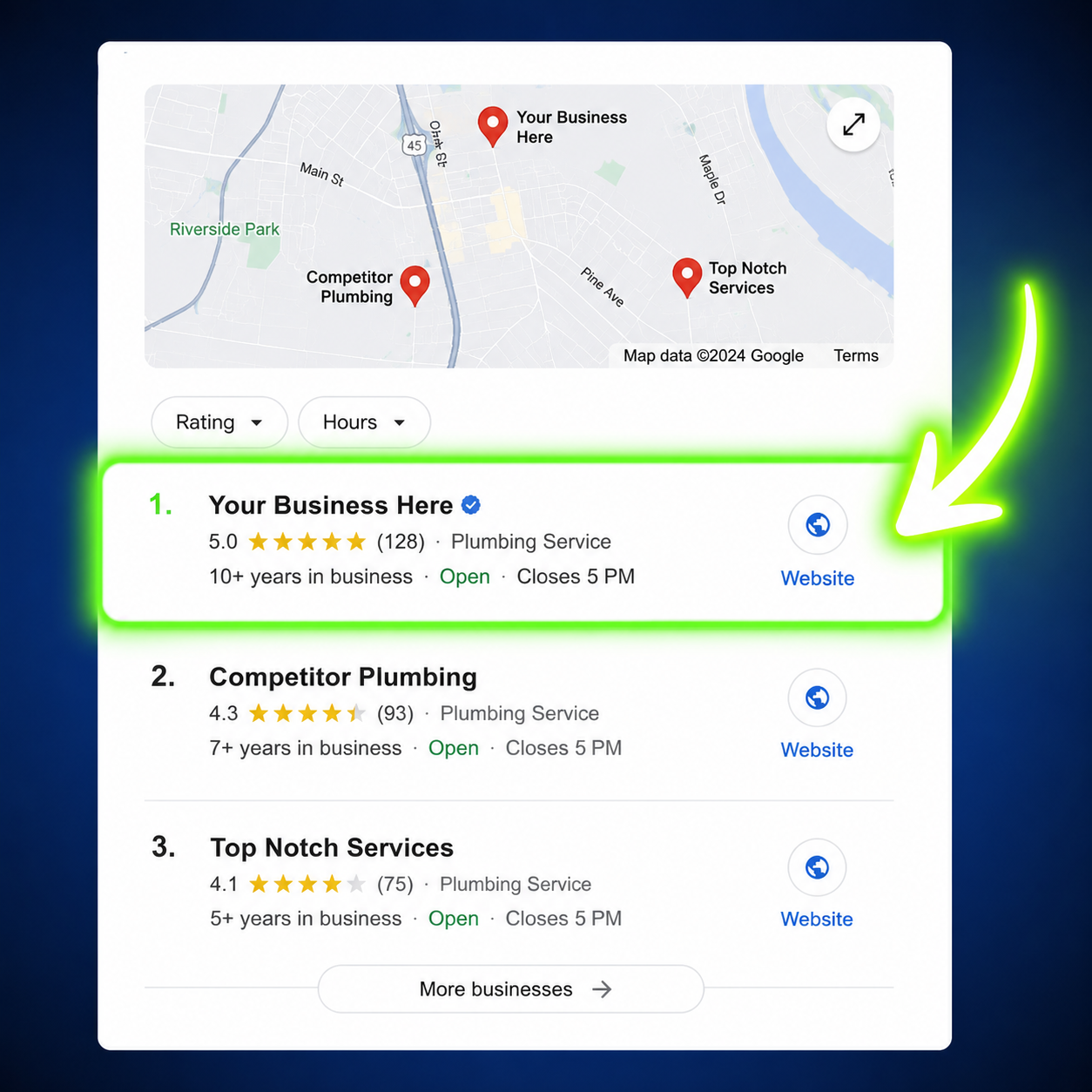
- Looking trustworthy next to your Google Business Profile when someone compares two similar local results
Speed will not outrank a neglected Map Pack listing by itself. Prominence still leans on reviews, categories, and a complete profile. But a slow, clunky site undercuts local SEO in the organic results and wastes the click you already won. The profile gets you seen; the website has to finish the job.
Increased conversion rates
Prospects searching on a phone do not wait. Industry research from Google has shown that as mobile load time goes from 1 second to 3 seconds, the chance of a bounce jumps about 32%. Push toward 5 seconds and most visitors never see your offer.
The conversion gap is just as stark. A page that loads in under 1.5 seconds reliably outperforms one that takes 4+ seconds — more form submits, more tap-to-call events, more booked jobs. That is not a design opinion. It is what happens when someone needs a furnace fixed this afternoon and your competitor's number appeared first.
For trades and home services around Warsaw, Winona Lake, and Kosciusko County, the money page is usually simple: who you are, what you do, where you serve, a phone number, and a form. If those take too long to appear, the rest of the marketing budget is leaking.
Bulletproof reliability and security
Speed and stability often come from the same architecture. Bloated template sites typically sit on shared platforms with plugin stacks, databases, and admin dashboards that need constant patching. Every extra moving part is another thing that can break, slow down, or get attacked.
A streamlined custom build on modern cloud hosting does the opposite:
- Less JavaScript and unused CSS to download on a phone
- Fewer database round-trips on every page view
- A smaller attack surface — no dusty plugin with a known exploit
- Managed hosting that handles SSL, backups, and uptime so you are not the night-shift sysadmin
Owners feel this as fewer "the site is down" texts and more consistent lead flow. Google feels it as a site that actually responds when it crawls.
Template Site Builders vs. Custom Modern Websites
Wix, Squarespace, GoDaddy builders, and lookalike WordPress themes are built for millions of generic users. They optimize for "anyone can drag a section onto a page," not for a plumber who needs a tap-to-call button in under a second on Verizon in rural Kosciusko County.
Where the two approaches actually diverge:
- Typical load — Template sites often take 3–6+ seconds on mobile. A custom build is engineered for about a second, not "good enough."
- Code — Builders ship unused scripts, page-builder leftovers, and widgets. Custom code includes only what the page needs.
- Images — DIY uploads stay oversized. Custom sites serve right-sized modern formats with lazy loading.
- Mobile — Templates squeeze a desktop layout down. Custom sites put call, form, and service area first on a phone.
- SEO control — Platforms constrain titles, schema, and Core Web Vitals work. Custom sites do not.
- Security — Plugins, themes, and databases need constant patching. A lean stack has fewer moving parts.
- Ceiling — You hit the platform's limits. With a custom site you own the code and can keep improving.
A professionally built site is not "prettier templates." It is a competitive advantage against local rivals who launched a theme, added a chatbot, a review widget, a stock slider, and three tracking pixels — then wonder why PageSpeed Insights is in the red.
We covered the hidden cost of DIY platforms in The True Cost of "Free". Speed is the part customers feel first. Rankings and security are the parts you notice when the phone stays quiet.
How to Tell If Your Website Is Too Slow
You do not need a developer to get a first read.
- Open PageSpeed Insights on your homepage and a key service page. Run the mobile test, not just desktop.
- Look at Largest Contentful Paint (when the main content shows), Interaction to Next Paint (how fast taps respond), and Cumulative Layout Shift (whether buttons jump as the page loads).
- Load the site on your phone with Wi-Fi off. Time how long until you can tap Call or see the contact form. If you are waiting, so is the customer.
Scores in the 30–60 range on mobile are common for template sites. That is not a branding problem. It is a lead problem.
How to Fix a Slow Website
Some issues are cheap to fix. Others mean the platform itself is the bottleneck.
Do these first (they help almost every site):
- Compress and convert images. Hero photos straight from a phone are often several megabytes. Serve modern formats at the size the layout actually uses.
- Kill unused extras. Chat bubbles, popup builders, unused sliders, and duplicate analytics tags are frequent culprits.
- Serve a readable phone number and contact form without waiting for a video background or a giant carousel.
- Use a CDN and current hosting. Cheap shared hosting plus a heavy theme is a losing combination.
When tuning is not enough:
If the site is a page-builder theme or a locked DIY platform, you will hit a ceiling. You cannot delete the framework's unused JavaScript. You cannot fully control Core Web Vitals. You wait on the vendor for technical SEO fixes.
That is when a custom rebuild is the real fix — not another round of plugin shuffling. The goal is a mobile-first site that loads fast on cellular, states your service area clearly, and makes calling or requesting a quote the obvious next step.
Key Takeaways for Service Business Owners
- Invest in clean code. A modern custom build is a distinct advantage over local competitors still running cookie-cutter templates.
- Prioritize the mobile visitor. Local customers want the phone number, contact form, and service area immediately — on a phone, often on a cell network.
- Eliminate unnecessary bloat. Fast sites rank better, keep prospects on the page, and get the phone ringing more consistently.
The Bottom Line
Local leads go to businesses that show up and that load. Speed supports rankings, conversions, and a site you do not have to babysit. Template builders make it easy to publish. They make it hard to win when the searcher is in a hurry.
If your site feels sluggish on a phone, treat that as a sales problem, not a "we'll get to the tech later" item. The businesses around Warsaw who take speed seriously are the ones whose numbers get tapped first.
Want a site that loads fast and actually converts local searchers? Contact Shilling Digital for a free consultation. We build custom websites and local SEO systems for small service businesses in Warsaw, IN — clean code, mobile-first, no template bloat.